Directory listing & sensitive file exposure fix
A raw file listing exposed on your own server, found and closed — check it yourself first, it's free.
Security, access and backup problems share a cause more often than not: a site accumulates plugins, user accounts, integrations and admin logins over years, and each one is a door that has to be individually locked, remembered and eventually removed.
Showing 17–32 of 54 fixes
A raw file listing exposed on your own server, found and closed — check it yourself first, it's free.
A written, step-by-step recovery plan for when something goes seriously wrong — written calmly, before it does.
Every admin-level account audited and confirmed, with the dormant ones removed.
Ongoing alerts the moment a core, theme, or plugin file changes unexpectedly.
A web application firewall configured to filter attacks before they reach your site.
Data export and erasure tooling that covers WooCommerce and forms, not just WordPress core's defaults.
A full host-to-host migration, tested before cutover and verified after.
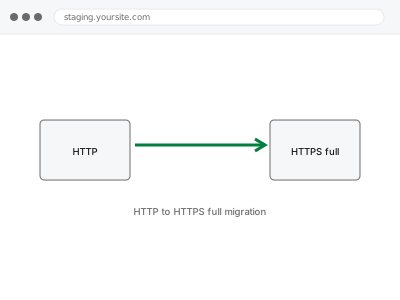
Every hardcoded HTTP reference updated to HTTPS — not just the certificate installed.
IP anonymisation configured and verified as actually functioning, not just switched on.
Worked locally, broke on live — usually an environment mismatch, found and fixed.
Repeated login guessing limited and blocked, without adding friction to normal logins.
A successful login that bounces straight back to the login page — usually cookies or a URL mismatch, not your password.
One site carefully extracted from a multisite network into its own standalone install.
Nulled themes and plugins replaced with genuinely licensed versions, and checked for anything they left behind.
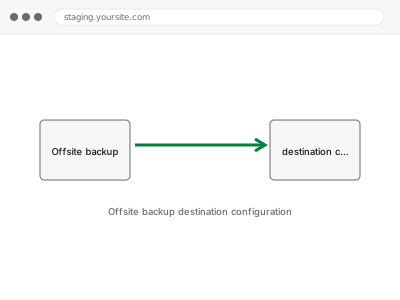
Your backups sent to a genuinely separate destination, so your host isn't a single point of failure.
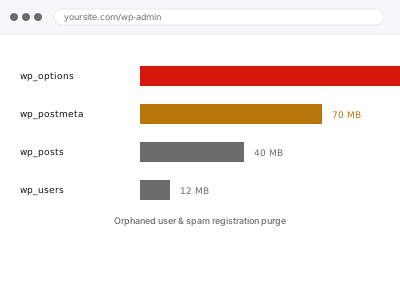
Spam and orphaned accounts cleared out — with a real, unexplained account flagged separately, not swept in.
Security, access and backup problems share a cause more often than not: a site accumulates plugins, user accounts, integrations and admin logins over years, and each one is a door that has to be individually locked, remembered and eventually removed. A dormant admin account from a past freelancer becomes the way a site gets compromised. A backup that’s been running silently for two years fails the one time it’s actually needed, because nobody ever tested a restore. A firewall rule blocks a legitimate integration, or a login limiter locks out a real customer, because it was configured once and never revisited since.
What connects these fixes is that they’re rarely about installing one more piece of security software — most of the work here is auditing what already exists, closing the specific access point that’s exposed, and verifying that a safeguard actually works rather than assuming it does because it’s switched on. A backup system is only proven by a successful restore. A hardening pass is only proven by checking what it actually changed. The work is confirmation as much as configuration, because an untested safeguard isn’t meaningfully different from having none.