Abandoned plugin replacement & data migration
A plugin you rely on has stopped being maintained. We move you to an actively supported replacement and bring your existing data across intact.
Visual and functional breakage almost always comes from two things stacked on top of each other: WordPress’s own templates, and whatever a theme or page builder — Elementor, Divi, Beaver Builder, Oxygen, Bricks, or one of several others — layered on top to produce the actual design.
Showing 1–16 of 104 fixes
A plugin you rely on has stopped being maintained. We move you to an actively supported replacement and bring your existing data across intact.
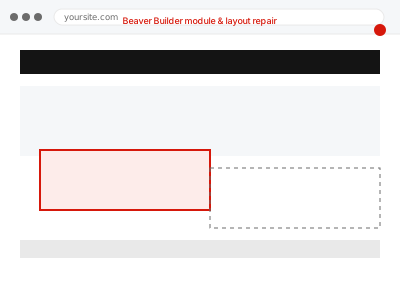
A Beaver Builder module or row is rendering incorrectly. We isolate whether it's a style conflict, corrupted saved layout data, or caching, and repair it.
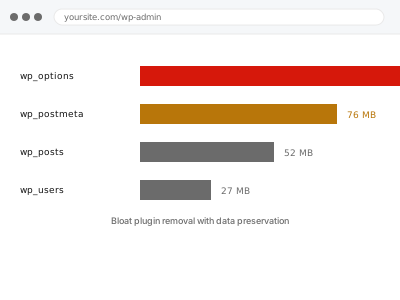
A plugin is bloating your site without adding value. We identify what's genuinely safe to remove and preserve whatever data is worth keeping.
The block editor won't load, or the screen just spins. We find the script conflict or PHP error causing it and get the editor working again.
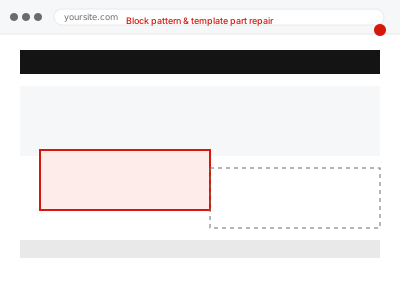
A block pattern or template part isn't displaying correctly, or won't save. We identify what's broken in the underlying pattern and repair it.
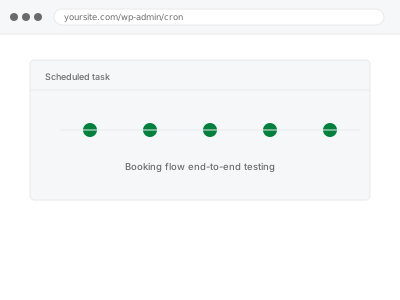
Every step of your booking flow tested with real reservations — calendar, payment, confirmation, and sync — not just a look at the widget's settings.
Your breadcrumb trail shows the wrong path, missing links, or doesn't appear at all. We trace the cause and get it displaying correctly.
Two of your Bricks templates are matching the same page or condition, and only one should be. We identify which templates conflict and correct the targeting.
Images show as broken icons where photos should be. We confirm whether the files are missing or misdirected, and restore or correct them.
Your page builder's CSS or JavaScript is loading twice, slowing the page and sometimes causing visible glitches. We find the source and stop the duplication.
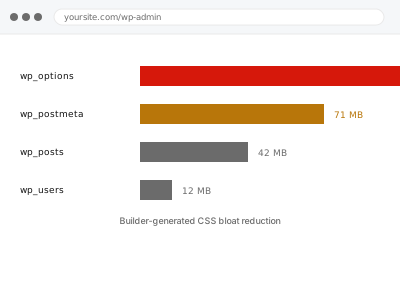
Your page builder is generating far more CSS than your pages actually need. We reduce the bloat without changing how anything looks.
Before switching page builders, we confirm exactly what content will and won't carry over cleanly, so nothing is lost partway through the move.
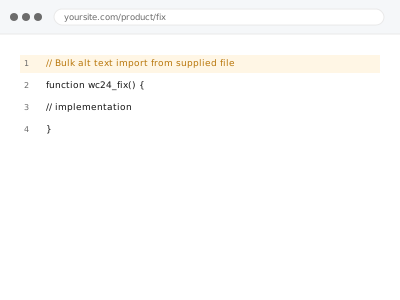
Alt text added to your images in bulk from a spreadsheet you supply, matching filenames to descriptions rather than doing it one by one.
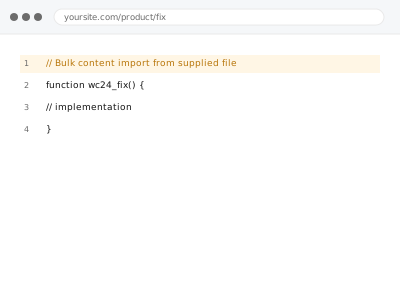
Content from a spreadsheet or structured file imported directly into WordPress as properly formatted posts or pages, not pasted in one by one.
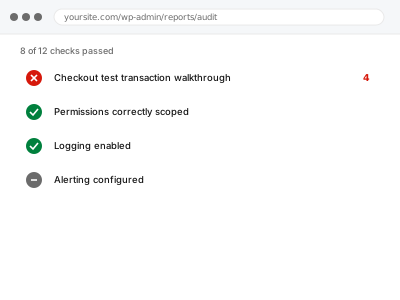
A genuine test purchase walked through your entire checkout, gateway to confirmation, to confirm customers can actually complete an order.
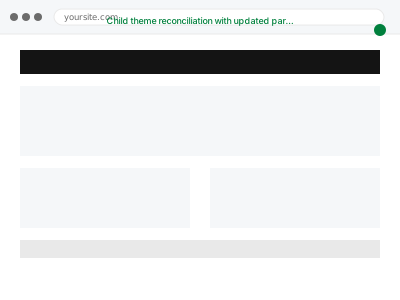
Your child theme hasn't kept pace with recent parent theme updates. We reconcile the two so you get new features without losing customisations.
Visual and functional breakage almost always comes from two things stacked on top of each other: WordPress’s own templates, and whatever a theme or page builder — Elementor, Divi, Beaver Builder, Oxygen, Bricks, or one of several others — layered on top to produce the actual design. Each layer writes its own CSS, its own scripts, and sometimes its own database entries, and none of them reliably clean up after themselves. A theme update overwrites a template a builder depended on. A plugin gets deactivated but leaves its shortcode behind, rendering as visible text instead of the effect it used to produce. Two builders end up active on the same site after a redesign, each fighting the other for control of the same block.
What connects these fixes is that they require working out which layer actually produced the fault before touching anything — a broken menu could be the theme, a plugin, cached CSS, or a builder conflict, and each has a different fix. Working through it in the wrong order usually means undoing changes that didn’t help and re-breaking something that was fine. The fix is specific to the layer once it’s correctly identified, not a general clean-up.