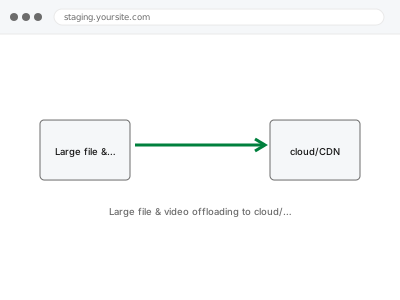
Large file & video offloading to cloud/CDN
Large videos and files moved off your WordPress hosting and onto a proper cloud or CDN service, set up correctly so nothing breaks on your site.
Visual and functional breakage almost always comes from two things stacked on top of each other: WordPress’s own templates, and whatever a theme or page builder — Elementor, Divi, Beaver Builder, Oxygen, Bricks, or one of several others — layered on top to produce the actual design.
Showing 49–64 of 104 fixes
Large videos and files moved off your WordPress hosting and onto a proper cloud or CDN service, set up correctly so nothing breaks on your site.
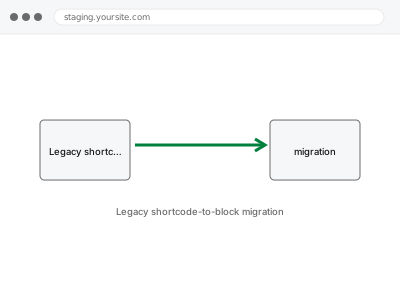
Old shortcodes from a plugin or feature you've retired, converted properly into native blocks so your content isn't sitting on borrowed time.
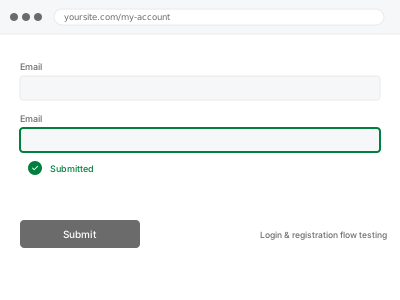
Login, registration, and password reset tested end-to-end for real accounts — not just confirmed to display the right form fields.
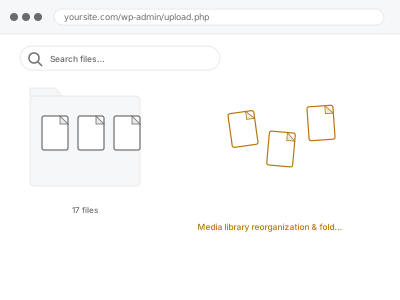
Your Media Library organised into a clear folder structure, so finding a specific file doesn't mean scrolling through years of unsorted uploads.
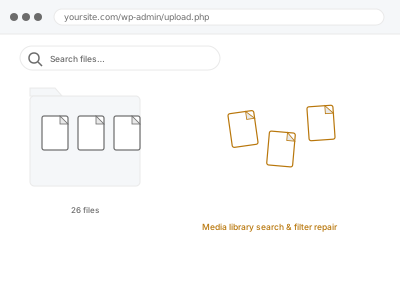
Search or filtering in your Media Library returns nothing, or the wrong results. We find whether it's a plugin conflict, index issue, or bulk-upload gap.
Media uploads fail with a vague error. We find whether it's a size limit, permissions, quota, or a security block, and fix it.
Your mega menu is misconfigured or conflicting with another element — misaligned columns, submenus not opening, or overlap with other page content.
Your menu works on desktop but is missing or broken on mobile. We find whether it's an unassigned location, a script conflict, or a caching issue,…
A structured sweep across the phone and tablet sizes your visitors actually use, catching layout issues a quick desktop resize won't reveal.
Must-use plugins load on every request without ever appearing in your regular plugin list. We catalogue what's actually running and why.
More than one page builder is active on your site, each doing part of the job. We map what's actually being used where, and propose one…
A nulled or pirated plugin carries real risk with no legitimate support. We replace it with the properly licensed version, settings intact.
Leftover database rows and options from a page builder you no longer use. We identify what's genuinely residue and remove it cleanly.
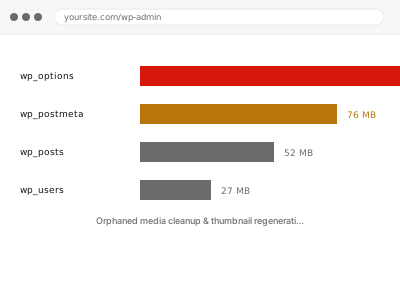
Media files with no post referencing them anymore, and thumbnail sizes never generated or left behind by an old theme. We clean up both properly.
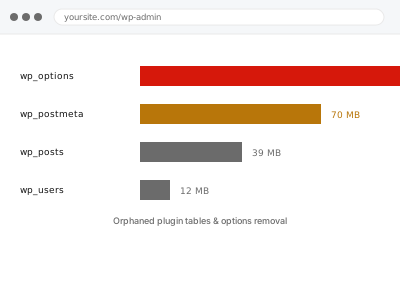
Plugins you've fully removed can still leave tables and options behind in your database. We find and remove what's genuinely orphaned.
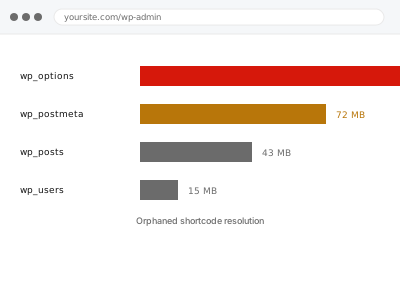
A shortcode is showing as raw bracketed text somewhere on your site, from a source that's no longer active. We trace it and clean it up…
Visual and functional breakage almost always comes from two things stacked on top of each other: WordPress’s own templates, and whatever a theme or page builder — Elementor, Divi, Beaver Builder, Oxygen, Bricks, or one of several others — layered on top to produce the actual design. Each layer writes its own CSS, its own scripts, and sometimes its own database entries, and none of them reliably clean up after themselves. A theme update overwrites a template a builder depended on. A plugin gets deactivated but leaves its shortcode behind, rendering as visible text instead of the effect it used to produce. Two builders end up active on the same site after a redesign, each fighting the other for control of the same block.
What connects these fixes is that they require working out which layer actually produced the fault before touching anything — a broken menu could be the theme, a plugin, cached CSS, or a builder conflict, and each has a different fix. Working through it in the wrong order usually means undoing changes that didn’t help and re-breaking something that was fine. The fix is specific to the layer once it’s correctly identified, not a general clean-up.