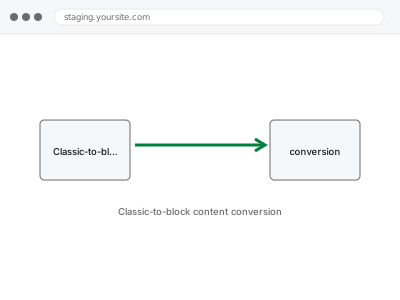
Classic-to-block content conversion
Old Classic Editor content lands in the block editor as one uneditable lump. We convert it into proper, individually-editable native blocks.
Visual and functional breakage almost always comes from two things stacked on top of each other: WordPress’s own templates, and whatever a theme or page builder — Elementor, Divi, Beaver Builder, Oxygen, Bricks, or one of several others — layered on top to produce the actual design.
Showing 17–32 of 104 fixes
Old Classic Editor content lands in the block editor as one uneditable lump. We convert it into proper, individually-editable native blocks.
Your comment system configured properly — spam filtering, moderation rules, and notification settings set up to match how you actually want to run it.
Real visitor scenarios tested against your cookie consent banner — before consent, after accepting, after declining — to confirm it behaves correctly.
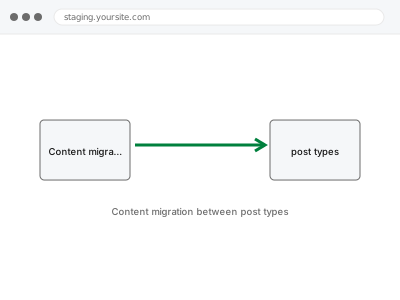
Content sitting in the wrong post type — pages that should be posts, products that should be a custom type. We migrate it across cleanly.
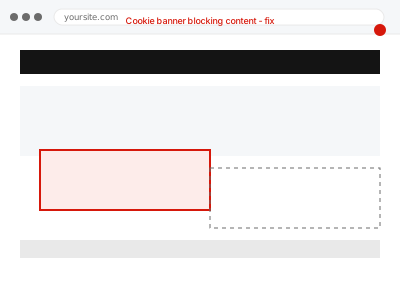
A cookie or consent banner is covering content, blocking clicks, or won't dismiss. We isolate the display conflict and get it working correctly.
A systematic pass across the browsers your visitors actually use, cataloguing rendering differences and delivering a prioritised fix list.
Years of CSS from different developers and plugins, all fighting for priority. We map the cascade and consolidate it into something maintainable.
A block shows a validation error, invalid content warning, or won't save correctly. We identify what's actually mismatched and repair it.
Custom code snippets scattered across your theme's functions file, a snippets plugin, and old plugins. We audit them and relocate to one clean place.
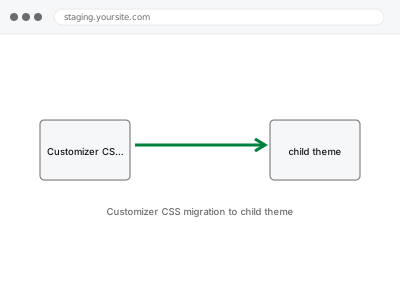
CSS entered into the Customizer's Additional CSS box will vanish if you ever switch themes. We move it into a proper, permanent child theme.
Deactivated plugins left sitting in your plugin list still carry files, database entries, and occasional loaded code. We remove them properly.
Your theme's files carry old templates from features you no longer use. We identify what's genuinely dead code and remove it safely.
A specific page keeps timing out when you try to save it in Divi, sometimes losing your changes. We find whether it's page complexity, a server…
A Divi module is rendering incorrectly. We isolate whether it's a settings, caching, or template issue specific to that module and repair it.
Raw Divi shortcode text is showing where a page's layout should be, after a theme switch. We restore proper rendering without redoing the content.
The same image uploaded more than once, taking up storage and cluttering your library. We find genuine duplicates and remove the redundant copies.
Visual and functional breakage almost always comes from two things stacked on top of each other: WordPress’s own templates, and whatever a theme or page builder — Elementor, Divi, Beaver Builder, Oxygen, Bricks, or one of several others — layered on top to produce the actual design. Each layer writes its own CSS, its own scripts, and sometimes its own database entries, and none of them reliably clean up after themselves. A theme update overwrites a template a builder depended on. A plugin gets deactivated but leaves its shortcode behind, rendering as visible text instead of the effect it used to produce. Two builders end up active on the same site after a redesign, each fighting the other for control of the same block.
What connects these fixes is that they require working out which layer actually produced the fault before touching anything — a broken menu could be the theme, a plugin, cached CSS, or a builder conflict, and each has a different fix. Working through it in the wrong order usually means undoing changes that didn’t help and re-breaking something that was fine. The fix is specific to the layer once it’s correctly identified, not a general clean-up.