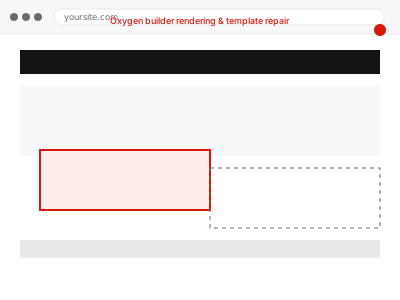
Oxygen builder rendering & template repair
An Oxygen-built component or template isn't rendering correctly. We isolate whether it's a caching, code-level, or template-scope issue and repair it.
Visual and functional breakage almost always comes from two things stacked on top of each other: WordPress’s own templates, and whatever a theme or page builder — Elementor, Divi, Beaver Builder, Oxygen, Bricks, or one of several others — layered on top to produce the actual design.
Showing 65–80 of 104 fixes
An Oxygen-built component or template isn't rendering correctly. We isolate whether it's a caching, code-level, or template-scope issue and repair it.
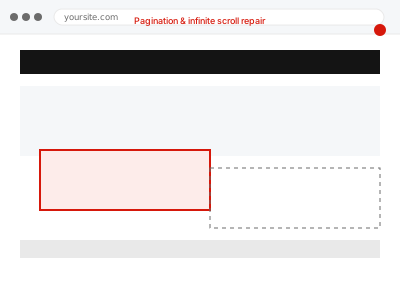
Pagination links skip pages, loop, or infinite scroll stops loading more content partway down. We isolate the cause and get navigation working.
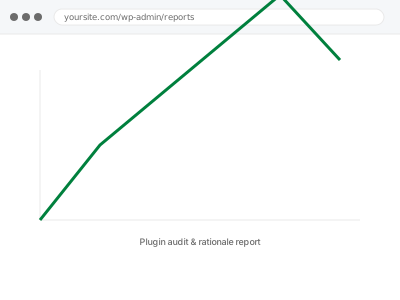
A full list of your active plugins with a plain-language rationale for each — what it does, whether it's still needed, and what replacing it would…
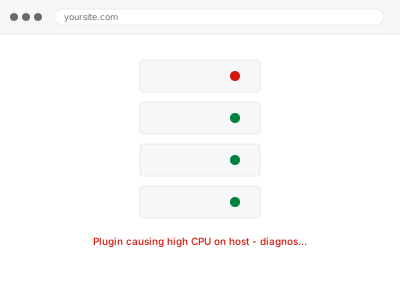
One plugin is consuming unusual server CPU, and your host has flagged it or throttled your account. We identify which plugin and what it's actually doing.
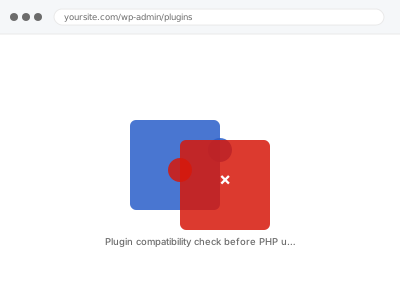
Before upgrading PHP, we check every active plugin against the new version so nothing breaks unexpectedly once the upgrade actually happens.
Something stopped working with no error message, and you suspect two plugins are interacting badly. We isolate the specific conflict and fix it without breaking either…
A fatal error is showing, sometimes naming a plugin, sometimes just a blank screen. We isolate exactly which plugin is responsible and resolve the underlying cause.
A plugin won't activate, or shows a licence error even though you've paid for it. We identify what's actually blocking activation and resolve it.
A plugin update broke something that worked before. We identify the last working version, roll back to it safely, and pause auto-updates until the new version's…
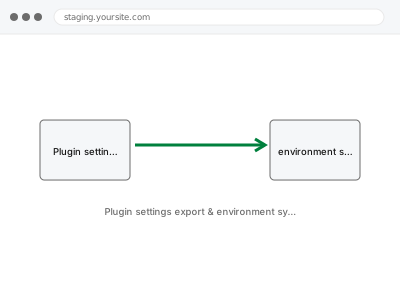
Plugin settings exported from one environment and applied to another, so staging and live stay in sync without manually reconfiguring each one.
A specific plugin keeps failing to update, with a generic error that doesn't say why. We find the actual cause — permissions, disk space, connection —…
A popup or modal isn't triggering or displaying correctly, and you may have more than one tool trying to provide the same feature. We find the…
After a core, theme, or plugin update, we compare your site's actual appearance against how it looked before, catching silent visual regressions.
A premium plugin has stopped receiving automatic updates through its normal channel. We diagnose why and restore proper update delivery.
A page prints or exports to PDF with broken layout, missing content, or wrong formatting. We correct the print-specific rendering issue.
Your finished content uploaded and formatted correctly in WordPress — headings, images, links — so it's ready to publish exactly as intended.
Visual and functional breakage almost always comes from two things stacked on top of each other: WordPress’s own templates, and whatever a theme or page builder — Elementor, Divi, Beaver Builder, Oxygen, Bricks, or one of several others — layered on top to produce the actual design. Each layer writes its own CSS, its own scripts, and sometimes its own database entries, and none of them reliably clean up after themselves. A theme update overwrites a template a builder depended on. A plugin gets deactivated but leaves its shortcode behind, rendering as visible text instead of the effect it used to produce. Two builders end up active on the same site after a redesign, each fighting the other for control of the same block.
What connects these fixes is that they require working out which layer actually produced the fault before touching anything — a broken menu could be the theme, a plugin, cached CSS, or a builder conflict, and each has a different fix. Working through it in the wrong order usually means undoing changes that didn’t help and re-breaking something that was fine. The fix is specific to the layer once it’s correctly identified, not a general clean-up.