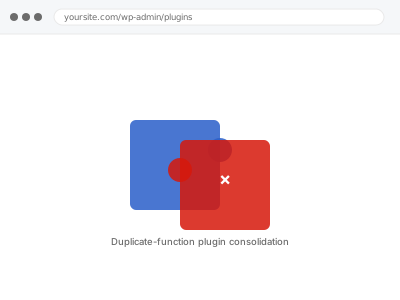
Duplicate-function plugin consolidation
Two or more of your active plugins do overlapping jobs. We identify the real overlap and consolidate down to one, without losing functionality you use.
Visual and functional breakage almost always comes from two things stacked on top of each other: WordPress’s own templates, and whatever a theme or page builder — Elementor, Divi, Beaver Builder, Oxygen, Bricks, or one of several others — layered on top to produce the actual design.
Showing 33–48 of 104 fixes
Two or more of your active plugins do overlapping jobs. We identify the real overlap and consolidate down to one, without losing functionality you use.
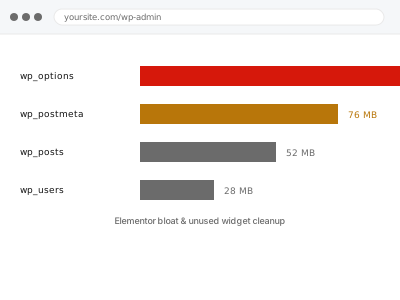
Elementor has accumulated unused widgets and leftover element data over time. We clean it up without touching your live pages' appearance.
Elementor's CSS isn't generating correctly, and the built-in Regenerate CSS tool hasn't fixed it or the problem keeps coming back. We find what's actually blocking generation.
The Elementor editor won't load — stuck loading, blank canvas, or an error — even though your live pages display fine. We isolate the cause and…
Colours or fonts have changed sitewide with no specific edit you made. We find what overwrote your Global Colors or Fonts and restore the correct values.
Move your Elementor-built pages into native WordPress blocks, so your content isn't tied to a page builder plugin going forward.
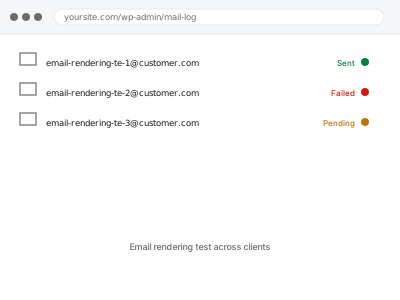
Your transactional and marketing emails tested across real email clients — Gmail, Outlook, Apple Mail — to catch rendering issues before customers do.
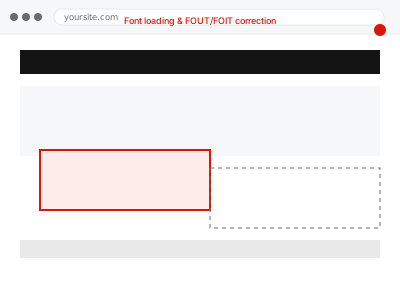
Custom fonts flash, swap visibly, or briefly show invisible text while loading. We correct how your theme loads fonts to eliminate the flicker.
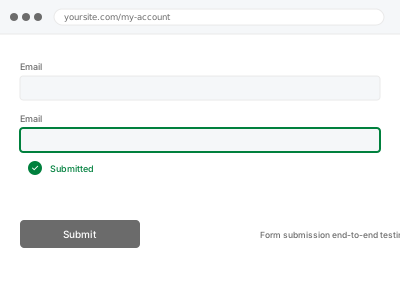
Every form on your site tested end-to-end — submission, validation, and where the data actually ends up — not just confirmed to display.
A Full Site Editing template is throwing an error or failing to render. We isolate whether it's the template, a pattern, or a theme.json conflict.
Your theme.json settings and Elementor's or another builder's global styles are fighting for control of colours, fonts, or spacing. We resolve the conflict.
Customisations edited directly into your parent theme's files will vanish on the next update. We relocate them safely into a proper child theme.
Your theme's own header/footer builder and a page builder plugin's version are both active and fighting for control. We establish which one should run and fix…
Images display cropped, stretched, or at the wrong aspect ratio. We correct the underlying dimension mismatch causing the distorted display.
Inline styles applied directly to individual elements make future changes harder and override your theme's own CSS unpredictably. We clean them up.
A systematic sweep for JavaScript console errors across your site, tracing each to its source and fixing the straightforward ones.
Visual and functional breakage almost always comes from two things stacked on top of each other: WordPress’s own templates, and whatever a theme or page builder — Elementor, Divi, Beaver Builder, Oxygen, Bricks, or one of several others — layered on top to produce the actual design. Each layer writes its own CSS, its own scripts, and sometimes its own database entries, and none of them reliably clean up after themselves. A theme update overwrites a template a builder depended on. A plugin gets deactivated but leaves its shortcode behind, rendering as visible text instead of the effect it used to produce. Two builders end up active on the same site after a redesign, each fighting the other for control of the same block.
What connects these fixes is that they require working out which layer actually produced the fault before touching anything — a broken menu could be the theme, a plugin, cached CSS, or a builder conflict, and each has a different fix. Working through it in the wrong order usually means undoing changes that didn’t help and re-breaking something that was fine. The fix is specific to the layer once it’s correctly identified, not a general clean-up.