Abandoned cart plugin configuration
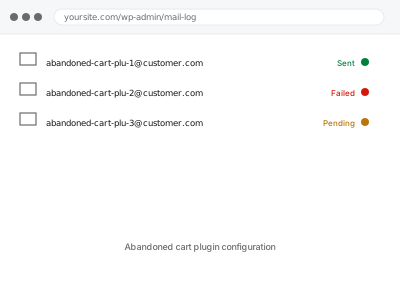
You want abandoned carts followed up automatically with a recovery email sequence. We configure the trigger, timing and any discount, and confirm it actually sends.
A WooCommerce store is really several independent systems agreeing to work together — payment gateway, inventory, tax, shipping, and often a booking, membership or subscription plugin layered on top — and most store problems happen at the seam between two of them rather than inside either one.
Showing 1–16 of 70 fixes
You want abandoned carts followed up automatically with a recovery email sequence. We configure the trigger, timing and any discount, and confirm it actually sends.
Two plugins fighting over the same access rule, reconciled into one clear, predictable outcome.
An affiliate program configured so others can promote your products and earn commission.
Bookings saving correctly but confirmations not sending — the notification step, not the booking.
Wrong availability on your booking calendar, traced to the actual sync or rule issue.
You have product data in a spreadsheet and need it in WooCommerce. We map, validate and import it, including variations, images and categories.
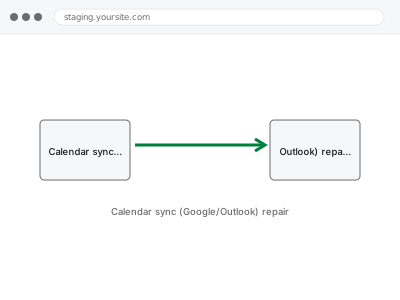
Google or Outlook calendar sync repaired — the same fix as our general calendar integration, focused on this one path.
Carts empty themselves or customers are logged out mid-purchase. We find what is breaking the session and fix it so carts survive to checkout.
A course completion certificate traced from broken trigger or template to a working fix.
Customers reach checkout and cannot complete the order. We reproduce the failure, find which step breaks, fix it, and verify a real order goes through end…
You need checkout fields added, removed, reordered or made conditional. We implement it from your spec without breaking validation or order data.
Drip-fed content stuck on the wrong schedule, traced to the actual date or timezone calculation behind it.
Coupons apply when they should not, or refuse to apply when they should. We work through the restriction logic and make them behave as intended.
A member's access traced to the actual rule, sync, or caching issue behind it.
Currency is displaying or converting wrongly. We configure currency and multi-currency handling so prices, checkout and reporting all agree.
Deposit or partial payment configured for products where full payment upfront isn't how you operate.
A WooCommerce store is really several independent systems agreeing to work together — payment gateway, inventory, tax, shipping, and often a booking, membership or subscription plugin layered on top — and most store problems happen at the seam between two of them rather than inside either one. A payment gateway update changes how it sends a webhook, and orders start getting stuck in “processing” because WooCommerce never hears back. A stock import updates prices but not quantities, and the site starts overselling. A membership plugin and a caching plugin each think they’re right about who’s logged in, and content gates start failing for real customers.
What these fixes have in common is that reinstalling or resetting the misbehaving plugin rarely works, because the plugin usually isn’t wrong on its own — it’s out of sync with whatever it’s supposed to be talking to. The fix means tracing the specific handoff that broke: what one system sent, what the other received, and where that stopped matching. Sandbox environments often behave differently from live ones, so verification means confirming the real handoff works — with a test transaction that’s refunded immediately.