Ad blocking recovery setup
Ad blocking recovery configured to your own tolerance, not maximum aggression against your visitors.
Tracking, advertising and product feed problems are rarely one thing failing outright — they’re a chain of dependent systems quietly going out of sync.
Showing 1–16 of 48 fixes
Ad blocking recovery configured to your own tolerance, not maximum aggression against your visitors.
A full technical read on a revenue drop — told straight, even if the answer is 'not technical'.
Ad units that overflow or vanish at specific screen widths, fixed to match your theme's actual breakpoints.
Ad lazy-loading tuned so units are seen when they load, not just loaded regardless.
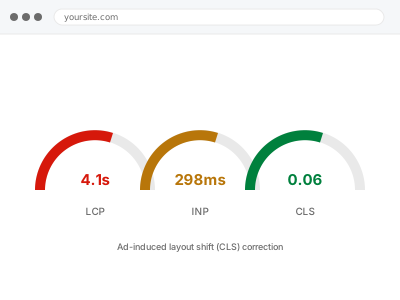
Ads that shift your content when they load, measured and fixed as the layout-stability problem it actually is.
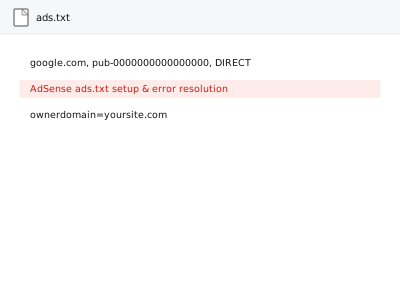
An ads.txt warning turns away real bidders right now — we publish a correct file and confirm it clears.
Ad units placed with actual thought about scroll behaviour, not just convention or guesswork.
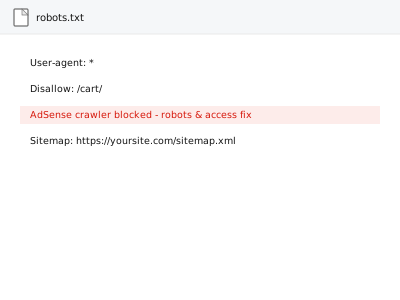
Google's AdSense crawler blocked by your own security setup — found and let back in, safely.
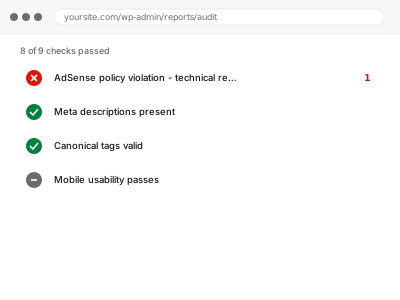
An AdSense policy notice with a real deadline — we find the specific technical cause fast.
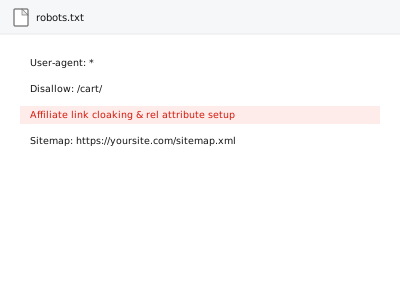
Affiliate links properly tagged and optionally cloaked, without breaking your existing tracking.
Auto Ads tuned so the convenience doesn't come at the cost of a crowded, ad-saturated site.
Automatic price and availability updates so your feed always matches what checkout actually charges.
Bing Webmaster Tools verified and your sitemap submitted — Google's own tools don't cover this.
Consent Mode v2 connected to your actual cookie banner, so Google's tags behave the way you've already told visitors they would.
Visitors moving between your own domains tracked as one visit, not counted as two separate people.
The same GA4 tag firing more than once, quietly inflating every number built on top of it.
Tracking, advertising and product feed problems are rarely one thing failing outright — they’re a chain of dependent systems quietly going out of sync. Google Analytics stops recording because a Tag Manager container was reinstalled and the old code never got removed. A consent banner starts blocking cookies by default and takes every tag down with it. A product feed gets disapproved because a price mismatch or a missing GTIN violates a rule you never see until Merchant Center enforces it. Ads stop optimising because a conversion event fired twice, or not at all, after a checkout plugin update changed the page it lived on.
What connects the products in this bucket is that the fault isn’t visible on the page itself — a broken pixel or a disapproved feed still lets the site look completely normal to a visitor. The only way to know something’s actually fixed is to verify it inside the platform: confirm Search Console recorded the sitemap, confirm the pixel fires once per event and not twice, confirm the feed passed Merchant Center’s validation rather than trusting that the settings screen looks right. That verification step, more than the configuration itself, is usually where the real problem turns up.