SCH-010
sameAs profile linking
Your genuinely-yours profiles linked via sameAs to corroborate your existing entity schema.
Quick Dashboard / config
Needs: WP admin login, Written spec

When a page isn’t showing up in Google, or increasingly in an AI-generated answer, the cause is almost never that the content is bad — it’s a technical signal telling the crawler something the page doesn’t actually mean.
 LNK-005 404 mapping & redirect implementation
$109.3248 hours
LNK-005 404 mapping & redirect implementation
$109.3248 hours
 SCH-004 Breadcrumb & Article schema implementation
$109.3248 hours
SCH-004 Breadcrumb & Article schema implementation
$109.3248 hours
 SEO-013 Breadcrumb implementation & markup
$109.3248 hours
SEO-013 Breadcrumb implementation & markup
$109.3248 hours
Showing 49–64 of 66 fixes
Your genuinely-yours profiles linked via sameAs to corroborate your existing entity schema.
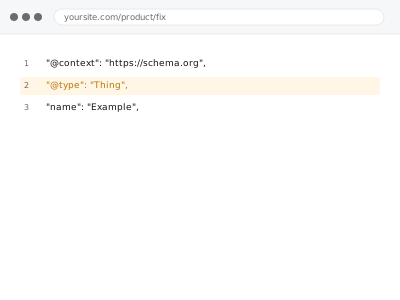
Schema present but failing validation, fixed field by field against the actual spec.
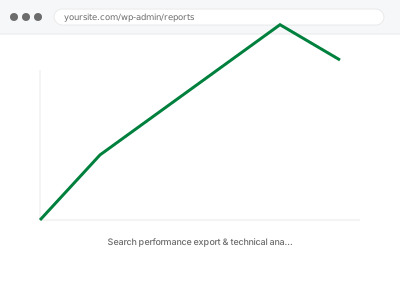
Search performance data checked for technical correlation — not a keyword strategy recommendation.
A Security Issues notice investigated — the technical gap closed, with cleanup itself a separate, specialist job if it's still active.
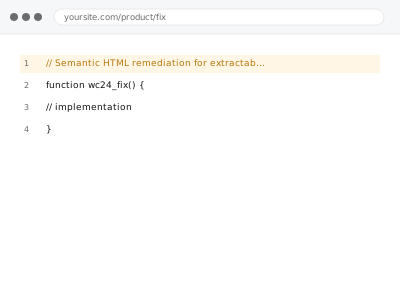
Underlying markup corrected to genuine semantic HTML, with the visual design untouched.
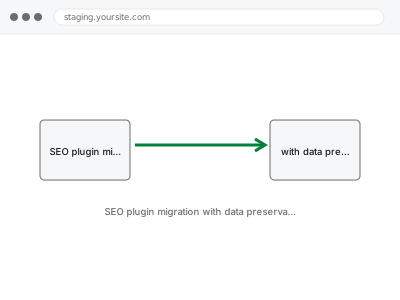
SEO plugin migration that maps and preserves your existing meta data, tested on staging first.
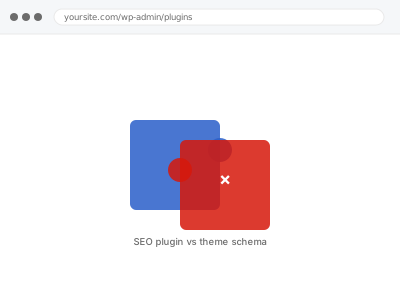
Your theme and SEO plugin both quietly generating schema for the same content — resolved.
A report on whether your JavaScript-dependent content is actually visible to crawlers.
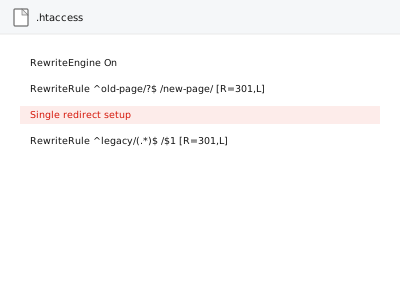
One old URL, one new destination, the correct redirect type applied.
A sitemap Google can't fetch, even though it loads fine for you — the access issue found and closed.
A page reporting success while showing nothing — the status code corrected to match reality.
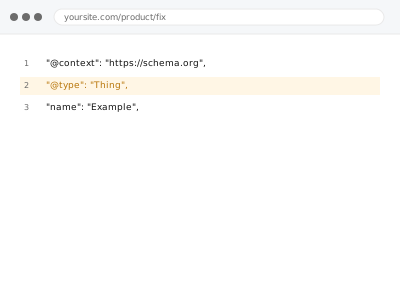
Structured data errors as Search Console aggregates them site-wide — a template-wide pattern, not a single-page guess.
Inconsistent URL slugs standardised, with redirects so nothing that already worked breaks.
Trailing slash and non-slash versions of the same page, consolidated to one.
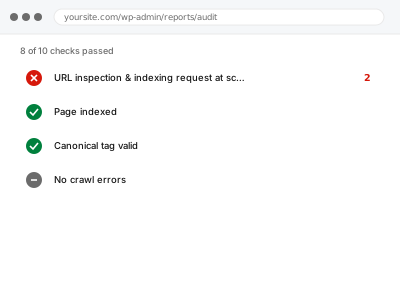
Indexing requests submitted at scale, only for pages actually eligible to be indexed.
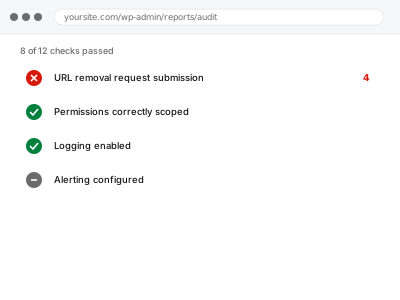
A specific URL urgently hidden from search results while the permanent fix takes effect.
When a page isn’t showing up in Google, or increasingly in an AI-generated answer, the cause is almost never that the content is bad — it’s a technical signal telling the crawler something the page doesn’t actually mean. A canonical tag can point at the wrong URL. A robots.txt rule written for one section can accidentally block another. Schema markup can be duplicated, or broken by a page builder that doesn’t know a plugin already added it. A sitemap can list pages that no longer exist, or fail to list the ones that do. AI crawlers add a newer version of the same problem: whether llms.txt exists, whether content renders without JavaScript, whether the structured data around it is actually machine-readable rather than just visually correct.
These fixes have in common that the result is invisible until you check the platform’s own tools — Search Console, a schema validator, a crawler simulator — rather than the page itself, which looks completely fine to a human either way. The work is finding the specific signal that’s wrong or contradicting another one, correcting it, and confirming the correction was actually picked up, not just published.