CFG-014
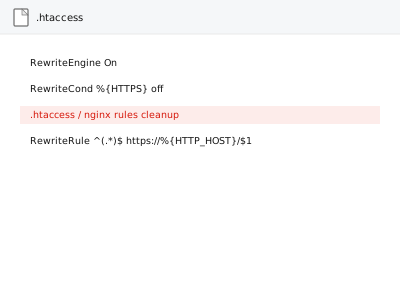
.htaccess / nginx rules cleanup
.htaccess or nginx rules cleaned of redundant and conflicting cruft.
Standard Code & template
Needs: SFTP access, Hosting panel

A layer of problems sits underneath WordPress entirely, in the hosting account and the server configuration it depends on — DNS records, SSL certificates, the PHP version and its resource limits, server-level caching, and for larger operations, a multisite network spanning several of those at once.
CFG-014 .htaccess / nginx rules cleanup
$109.3248 hours
 MON-008 Activity log installation & retention config
$41.5348 hours
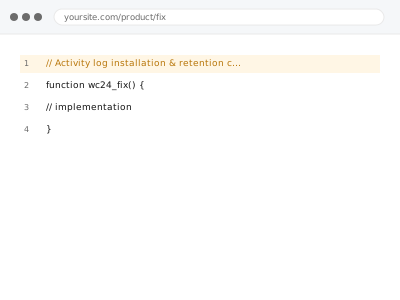
MON-008 Activity log installation & retention config
$41.5348 hours
 HCP-005 Addon & parked domain configuration
$41.5348 hours
HCP-005 Addon & parked domain configuration
$41.5348 hours
Showing 1–16 of 56 fixes
.htaccess or nginx rules cleaned of redundant and conflicting cruft.
An activity log installed with sensible retention — a real record, not no record at all.
An addon or parked domain configured correctly — a separate name, not a prefix on your existing one.
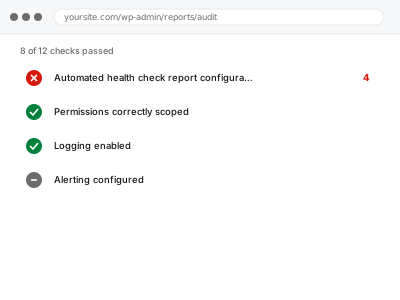
A combined health check report on schedule — with the same warning about an absent report.
Broken link monitoring that keeps checking after we leave — with the same silent-failure warning.
A CDN serving stale or broken dynamic content, traced against the origin server directly.
Something actively broken with Cloudflare in the picture, traced to the one setting causing it.
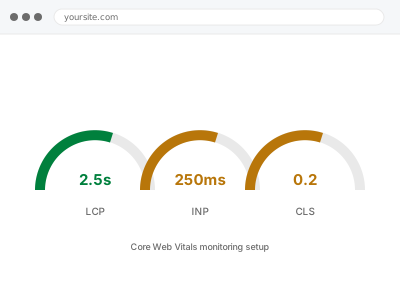
Core Web Vitals tracked over time, not just a single snapshot — watching it stays with you.
A cron job created and scheduled through your control panel — the straightforward version, not custom code.
Custom error pages replacing your host's generic default for 404s and worse.
A new database created with a user scoped to only the access it actually needs.
Debug mode left exposing errors publicly, disabled without losing your private error log.
What's actually eating your disk space, found and cleaned up with your confirmation first.
A DNS discrepancy found by auditing the full zone when you don't know which record is wrong.
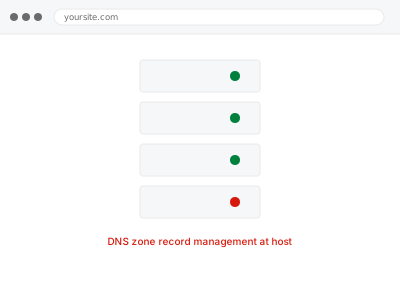
DNS records corrected right inside your control panel, with the prior zone documented first.
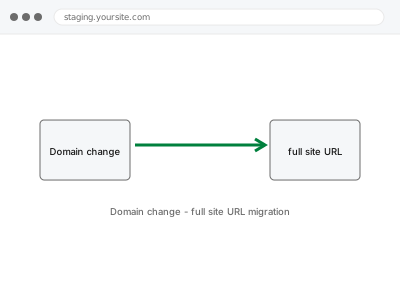
A complete domain change — database, code, and DNS together, with redirects from the old one.
A layer of problems sits underneath WordPress entirely, in the hosting account and the server configuration it depends on — DNS records, SSL certificates, the PHP version and its resource limits, server-level caching, and for larger operations, a multisite network spanning several of those at once. None of it is visible from inside wp-admin, which is exactly why it gets missed: a DNS record pointing at the wrong IP, a PHP memory limit set by the hosting plan rather than the site’s actual needs, an SSL certificate that renewed on the server but never updated in WordPress’s own settings.
What these fixes have in common is that they happen in the hosting control panel, the DNS zone, or the server configuration itself, not inside a WordPress plugin — because that’s genuinely where the setting lives, and a plugin can only work around a server limit, not remove it. Multisite networks compound this: a change made at the network level affects every subsite at once, so a fix has to account for all of them, not just the one that reported the problem. The work is precise because a wrong change at this level affects the whole site, not one page.