Network-wide plugin & theme management
Plugin and theme activation brought into one consistent, intentional policy across the network.
A layer of problems sits underneath WordPress entirely, in the hosting account and the server configuration it depends on — DNS records, SSL certificates, the PHP version and its resource limits, server-level caching, and for larger operations, a multisite network spanning several of those at once.
Showing 33–48 of 56 fixes
Plugin and theme activation brought into one consistent, intentional policy across the network.
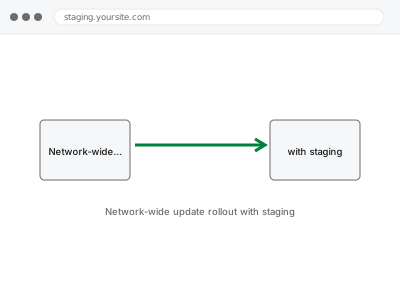
Network-wide updates tested on staging first, since one bad update now hits every subsite at once.
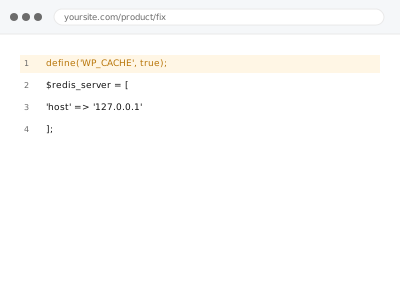
Redis or Memcached object caching configured — only where your host actually provides it.
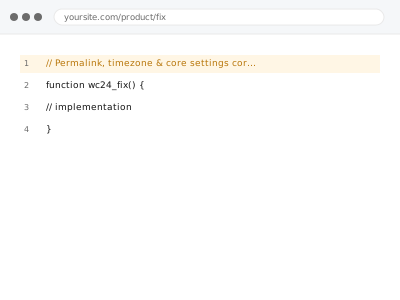
Timezone, permalinks, and core settings corrected — foundational, easy to overlook.
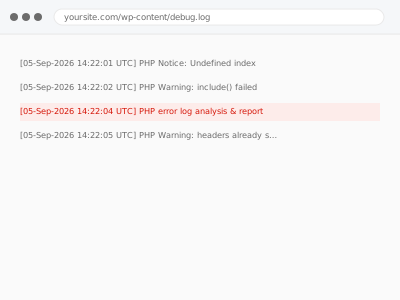
Your existing error log translated into what's actually worth fixing versus harmless noise.
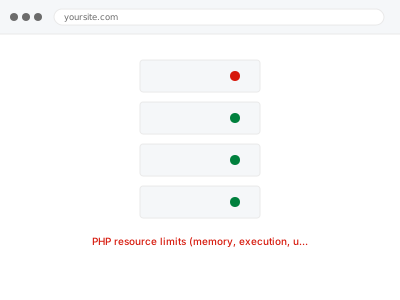
PHP memory, execution, and upload limits tuned — up to your plan's actual ceiling.
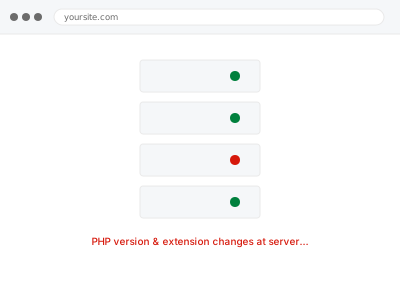
PHP version or extensions changed at the server level — capped by your plan, not by us.
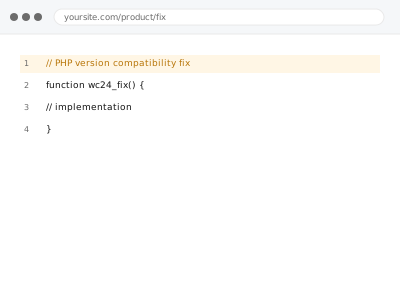
A site broken by a PHP version change, traced to the specific incompatible code.
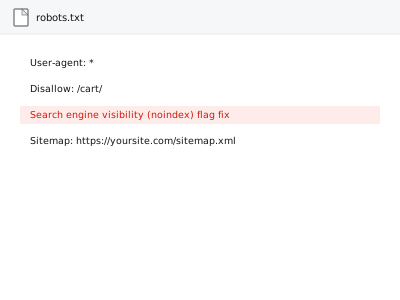
One checkbox left ticked since before launch — the most common reason a site never shows in search.
Security event alerting configured — the one monitor where a silent failure matters most.
Server cache and plugin cache fighting each other, coordinated instead of left to conflict.
A one-time snapshot of what's actually consuming your server's resources right now.
LiteSpeed or Varnish caching configured correctly — only where your host actually offers it.
A shared media library configured across subsites, without forcing every subsite into it.
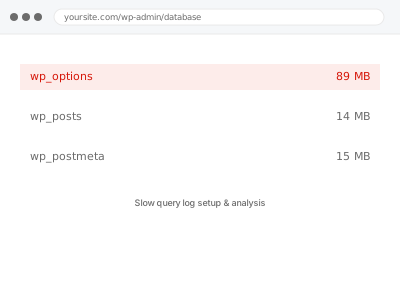
Slow query logging enabled and analysed — only where your host actually allows it.
An SSL certificate installed through your control panel — free or purchased, whatever your host actually offers.
A layer of problems sits underneath WordPress entirely, in the hosting account and the server configuration it depends on — DNS records, SSL certificates, the PHP version and its resource limits, server-level caching, and for larger operations, a multisite network spanning several of those at once. None of it is visible from inside wp-admin, which is exactly why it gets missed: a DNS record pointing at the wrong IP, a PHP memory limit set by the hosting plan rather than the site’s actual needs, an SSL certificate that renewed on the server but never updated in WordPress’s own settings.
What these fixes have in common is that they happen in the hosting control panel, the DNS zone, or the server configuration itself, not inside a WordPress plugin — because that’s genuinely where the setting lives, and a plugin can only work around a server limit, not remove it. Multisite networks compound this: a change made at the network level affects every subsite at once, so a fix has to account for all of them, not just the one that reported the problem. The work is precise because a wrong change at this level affects the whole site, not one page.