EML-008
Admin notification email configuration
Admin notifications routed to the right person, and the ones nobody wants turned off.
Quick Dashboard / config
Needs: WP admin login

WordPress doesn’t send email the way people assume. By default it hands messages to the server’s built-in mail function, which most hosts either restrict, rate-limit, or route in a way that gets immediately flagged as spam — so a site can report a message as sent while it never reaches an inbox.
EML-008 Admin notification email configuration
$41.5348 hours
 EML-010 Bounce & complaint handling setup
$109.3248 hours
EML-010 Bounce & complaint handling setup
$109.3248 hours
 EML-001 Contact form not sending - diagnosis & fix
$41.5348 hours
EML-001 Contact form not sending - diagnosis & fix
$41.5348 hours
Showing all 16 fixes
Admin notifications routed to the right person, and the ones nobody wants turned off.
Bounce and complaint handling set up properly, so a stale address doesn't cost you sending reputation.
Contact form entries arrive but the email notification behind them doesn't — we trace where the handoff actually breaks.
A DMARC policy added on top of already-working SPF and DKIM, without risking mail that currently gets through.
A full check of your domain's email authentication, reputation, and content, with a ranked report of what's actually worth fixing.
A real record of every email WordPress sends, so "did that actually go out" stops being a guess.
Order and notification emails that look wrong in a real inbox, even when the preview looks fine.
Emails sending successfully but landing in spam — we check authentication, reputation, and content to find out why.
The wrong sender or reply-to address fixed, so replies actually reach someone who checks them.
A backed-up mail queue cleared, and the cause of the slowdown fixed so it doesn't just refill.
Every domain your site sends as, properly authenticated on its own DNS.
A newsletter or campaign failing to deliver or bouncing heavily, diagnosed against its own delivery report.
Password reset emails not arriving in time to be useful, traced and fixed.
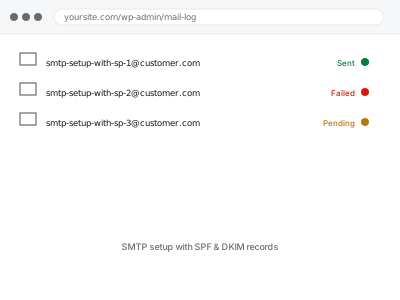
Proper SPF and DKIM authentication set up for your domain, not just a plugin toggle.
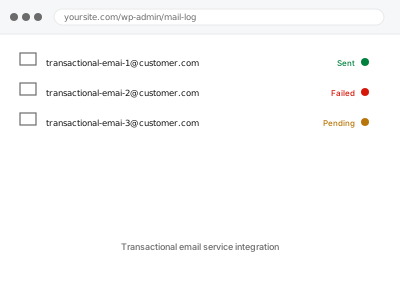
A dedicated transactional email service connected in place of WordPress's own unreliable default sending.
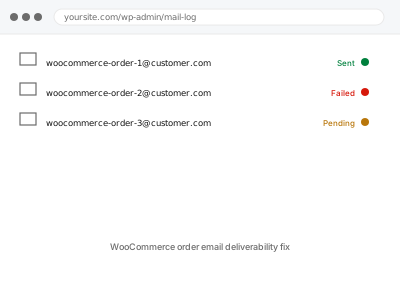
Order confirmations and admin notifications missing while the orders themselves are fine — we find where the email drops.
WordPress doesn’t send email the way people assume. By default it hands messages to the server’s built-in mail function, which most hosts either restrict, rate-limit, or route in a way that gets immediately flagged as spam — so a site can report a message as sent while it never reaches an inbox. From there the same underlying issue shows up in different clothes: a contact form that appears to submit successfully, a password reset a customer never receives, a WooCommerce order confirmation landing in spam instead of an inbox, a newsletter with a delivery rate quietly dropping over months.
What these fixes have in common is that they work at the authentication layer rather than the plugin settings screen — configuring proper SMTP sending, and getting SPF, DKIM and DMARC records correctly aligned with the sending domain, because inbox providers use those records to decide whether a message is legitimate before a subject line is ever read. A form that says “message sent” proves nothing on its own; the fix is confirmed by tracing an actual message through delivery, not by re-testing the form that submitted it.